
If you relied on Microsoft SMS Organizer—or simply want something more structured than a basic messaging app—the important question is not whether another app looks identical. It is whether it handles the everyday jobs that made an organized SMS inbox useful: separating transactions from promotions, surfacing OTPs, finding messages quickly and turning time-sensitive texts into reminders.
What SMS Manager is designed to do
SMS Manager works as your default Android SMS app. It receives, displays, sends and organizes SMS conversations while keeping its core message processing on your phone. The main inbox is free and does not require an account.
Organized inbox
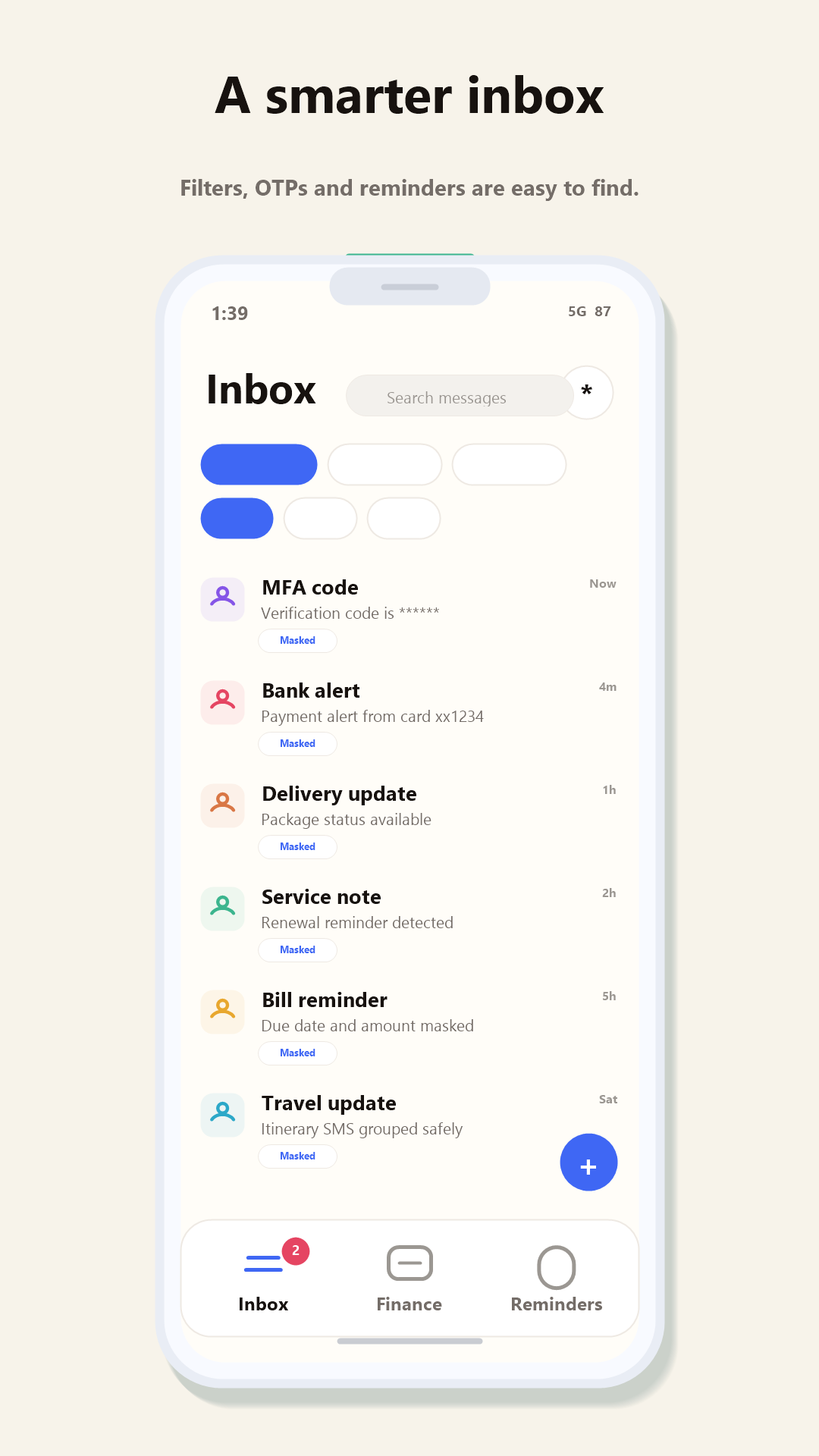
Conversation categories make personal messages, OTPs, banking alerts, bills, deliveries, travel updates and promotions easier to find.
OTP detection
Verification messages are identified so the code you need is not buried inside a crowded inbox.
Useful reminders
Relevant dates from bills, renewals, appointments and trips can appear in a focused reminder view.
Dual-SIM messaging
Sending and inbox behavior are designed for Android phones where two SIMs are part of everyday use.
Fast search
Search across senders and messages instead of scrolling through months of conversations.
Local-first privacy
SMS bodies, OTPs, contact names, bank alerts, merchants and amounts are processed locally by default—not uploaded for advertising or profiling.
Where it is different
SMS Manager is a new product from a small team, so it does not claim feature-for-feature parity with every established organizer. RCS and automatic cloud backup are not currently supported. Custom categories and merchant rules are planned based on the requests we hear most often. We publish these limitations because switching a default messaging app should be an informed choice.
Who should try it?
SMS Manager is worth trying if you receive a large number of OTPs, payment alerts, bills, delivery updates or promotional messages and want those conversations separated automatically. It is especially relevant for Android users in India, where transactional SMS and dual-SIM phones are common, while remaining available globally.
Try it with your real inbox
Make SMS useful again.
Install SMS Manager, choose it as your default SMS app and tell our small team what should improve next.
Microsoft and Microsoft SMS Organizer are trademarks of Microsoft Corporation. SMS Manager is an independent product from Redwert Engineering Labs and is not affiliated with or endorsed by Microsoft.