
Most Android inboxes do not become overwhelming because of personal messages. The clutter usually comes from short-lived OTPs, recurring bank notifications, bills, orders, deliveries, service notices and promotions. Treating every message as one identical conversation list forces you to remember senders and scroll repeatedly.
1. Choose the default app deliberately
An SMS organizer needs default-SMS access to receive, display, send and manage messages. Before granting it, confirm who publishes the app, read its privacy policy and understand its limitations. A trustworthy product should explain why it needs SMS permissions rather than hiding that access behind vague language.
SMS Manager does not require a Redwert account. Its main inbox is free, and message bodies, OTPs, contact names, bank names, merchants and amounts are not uploaded to Redwert for advertising or profiling.
2. Let categories reduce the scanning
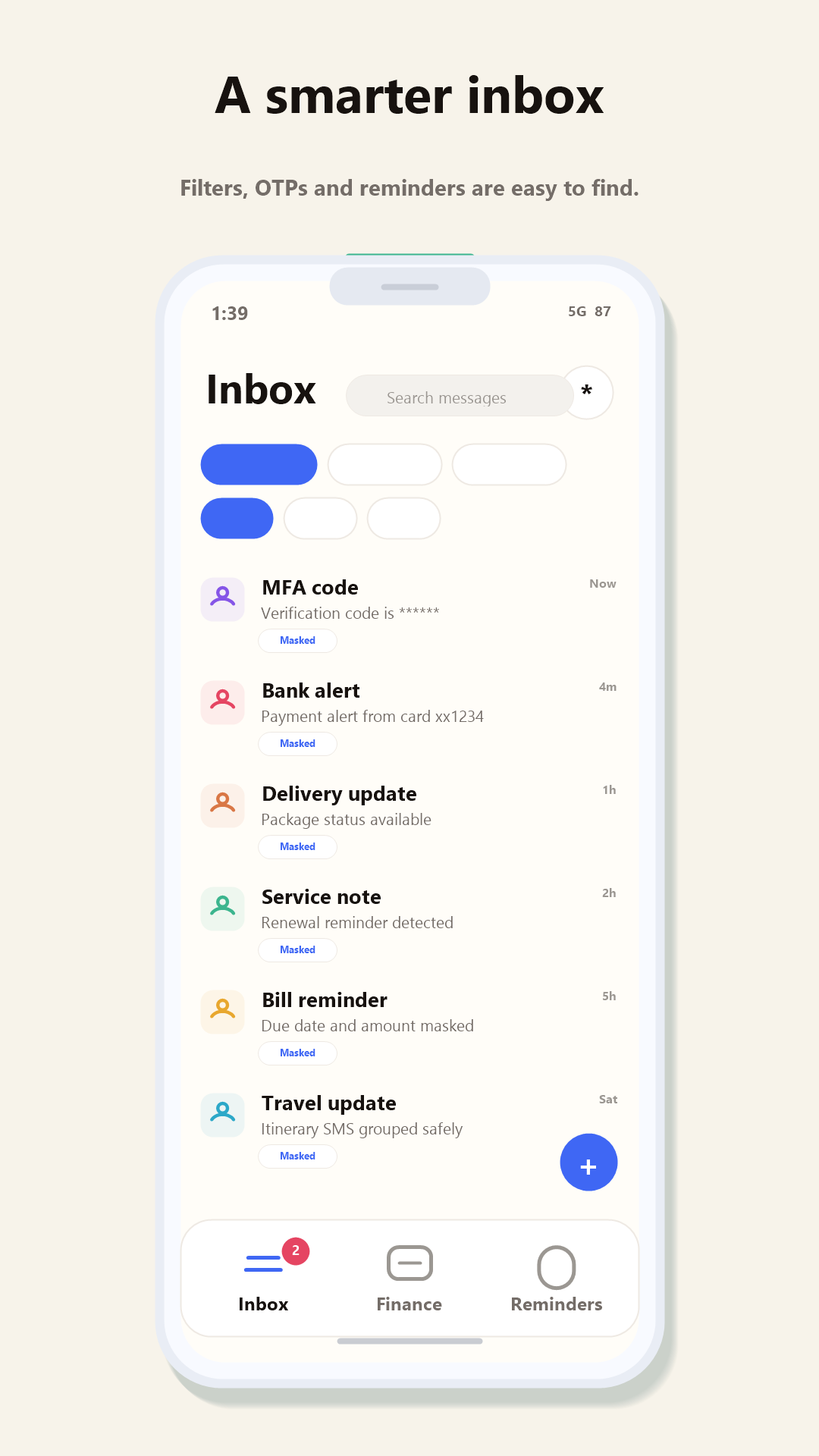
Categories are useful when they shorten the distance between a question and its answer. “What was that OTP?” should lead to verification messages. “Did the payment go through?” should lead to transaction alerts. “When is this due?” should lead to a reminder—not a full-inbox search.
Verification codes
Identify time-sensitive codes without mixing them with ordinary conversations.
Bank alerts
Keep credit, debit and account notifications searchable in their original conversations.
Bills and dates
Bring detected dates into a focused view so an important due date is less likely to disappear.
Delivery updates
Separate changing order or travel status from promotions and personal messages.
3. Verify the result with search
Automatic organization will never be the only way to find a message. Test search with a sender name, merchant, amount fragment or phrase you remember. Search is also a useful check on classification: the original conversation should remain accessible even if a message is not categorized as expected.
For two-SIM phones, send a test message from each SIM and confirm the app makes the chosen SIM clear. This small test prevents a common real-world problem: replying from a work number when you intended to use a personal one.
4. Turn dates into a short action list
Not every detected date deserves an alert. Review the reminder view and keep attention on bills, appointments, renewals and travel that genuinely require action. The organizer should reduce notification pressure, not recreate inbox clutter in another screen.
SMS Manager surfaces relevant reminders and local financial insights as optional ways to understand the messages already on your phone. Private SMS content is processed locally. Internet access may still be used for updates, optional purchase validation, the latest parsing-rule bundle and feedback you explicitly choose to send.
What this workflow does not solve
SMS Manager currently focuses on SMS and MMS; it does not support RCS. Automatic cloud backup is not available, and custom categories or merchant rules remain future scope. If any of those are essential, factor them into your choice before switching. Our India-focused buyer’s guide has a broader checklist.
Start with the free inbox
Less scrolling. More signal.
Try SMS Manager with your existing messages and tell us which category needs the most improvement.