
The best SMS organizer is not simply the app with the longest feature list. It is the one that handles your real inbox reliably, makes urgent information easy to reach and explains what happens to private message content. Before switching, use a few days of actual messages—not a polished screenshot—to judge the app.
Start with the messages you receive every day
An Indian Android inbox often contains several kinds of transactional messages alongside personal conversations. A useful organizer should distinguish OTPs, debit and credit alerts, bills, travel or delivery updates, service notifications and promotions without making the inbox harder to understand.
OTPs at a glance
Verification messages should be easy to recognize, while sensitive codes remain protected where possible.
Banking context
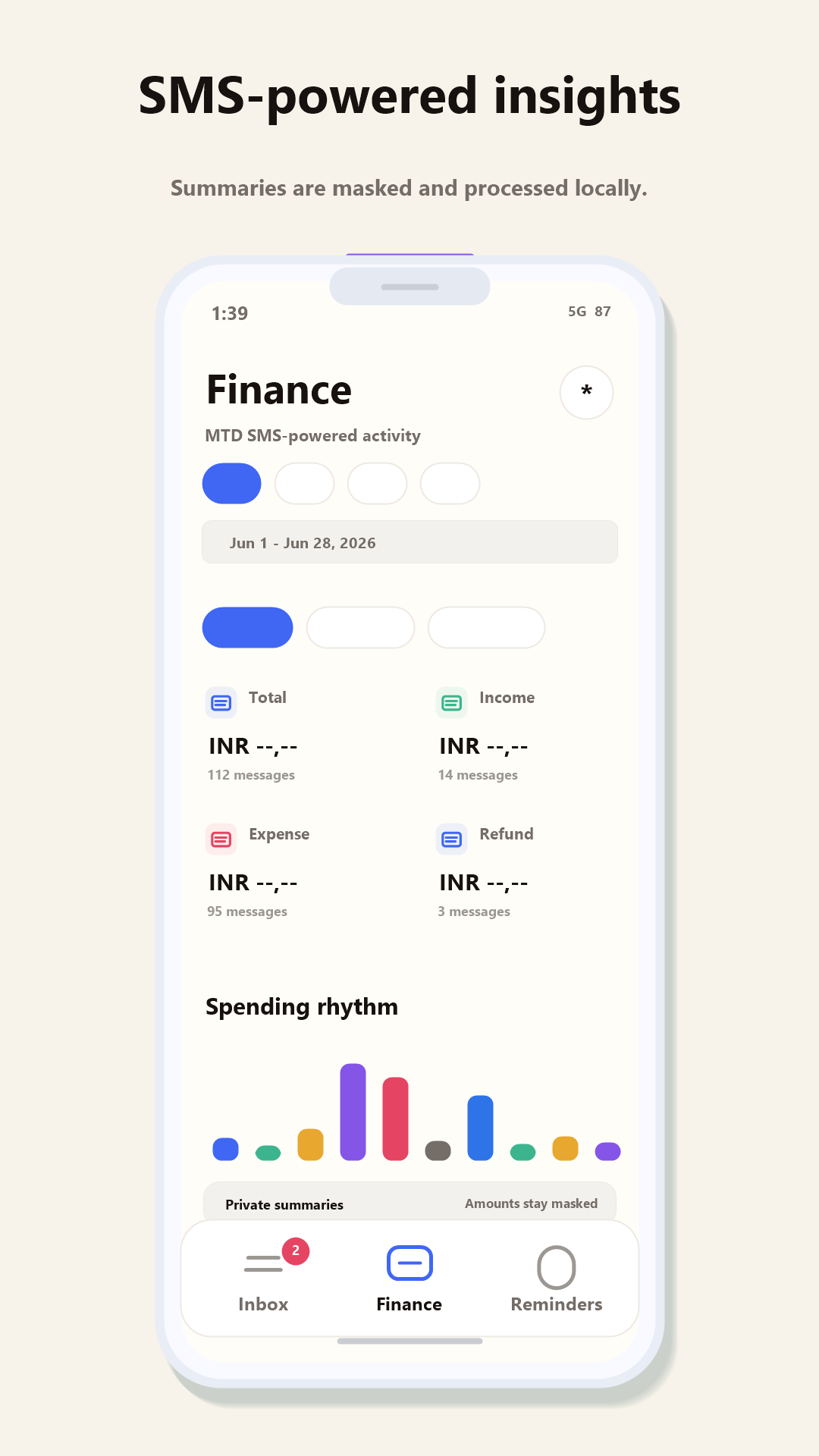
Transaction alerts should remain searchable and useful without uploading amounts or message bodies for profiling.
Reminders that help
Due dates, appointments and travel messages should surface at the right time—not become another notification stream.
Dual-SIM confidence
You should be able to see and choose the correct SIM when sending, especially on personal-and-work devices.
Ask where the organization happens
SMS can include authentication codes, financial activity and private conversations. “Smart” should therefore come with a precise privacy explanation. SMS Manager organizes message content on the phone. It does not upload SMS bodies, contact names, OTPs, bank names, merchants or amounts to Redwert for advertising or profiling.
The app may use the internet for ordinary product functions such as downloading updates, validating an optional purchase, fetching the latest parsing-rule bundle and sending feedback only when you choose to do so. That distinction matters: local-first does not mean a phone can never connect to the internet; it means private message processing is designed to stay on the device.
Check the essentials before premium features
- Default-app reliability: receiving, opening, replying and sending should work before anything else.
- Search: test a sender, a phrase and an older transaction instead of relying on category tabs alone.
- Permission clarity: the developer should explain why each SMS-related permission is required.
- Export or migration expectations: confirm what is and is not supported before replacing an established app.
- Honest limitations: look for clear statements about RCS, cloud backup and features still under development.
Where SMS Manager fits
SMS Manager is designed for people who want a traditional Android SMS inbox with categories, OTP detection, reminders, dual-SIM-aware messaging, search and local financial insights. The core inbox is free and no Redwert account is required. RCS and automatic cloud backup are not supported today; custom categories and merchant rules are future scope guided by repeated user requests.
If you are moving from Microsoft SMS Organizer, read our feature-by-feature alternative guide. If your main problem is a flood of transactional texts, use the OTP and bank-alert workflow.
Use your real inbox
See if it earns the default.
Install SMS Manager, test the free inbox and send our small team honest feedback from inside the app.
SMS Manager is developed by Redwert Engineering Labs in India and is available globally. Microsoft and Microsoft SMS Organizer are trademarks of Microsoft Corporation. SMS Manager is independent and is not affiliated with or endorsed by Microsoft.