
An SMS inbox can reveal personal conversations, sign-in codes, account activity, purchases, travel, appointments and recurring bills. A default messaging app necessarily has powerful access. The useful privacy question is therefore not “Does it request SMS permission?” but “What does it do after receiving that permission?”
Local-first describes processing, not isolation
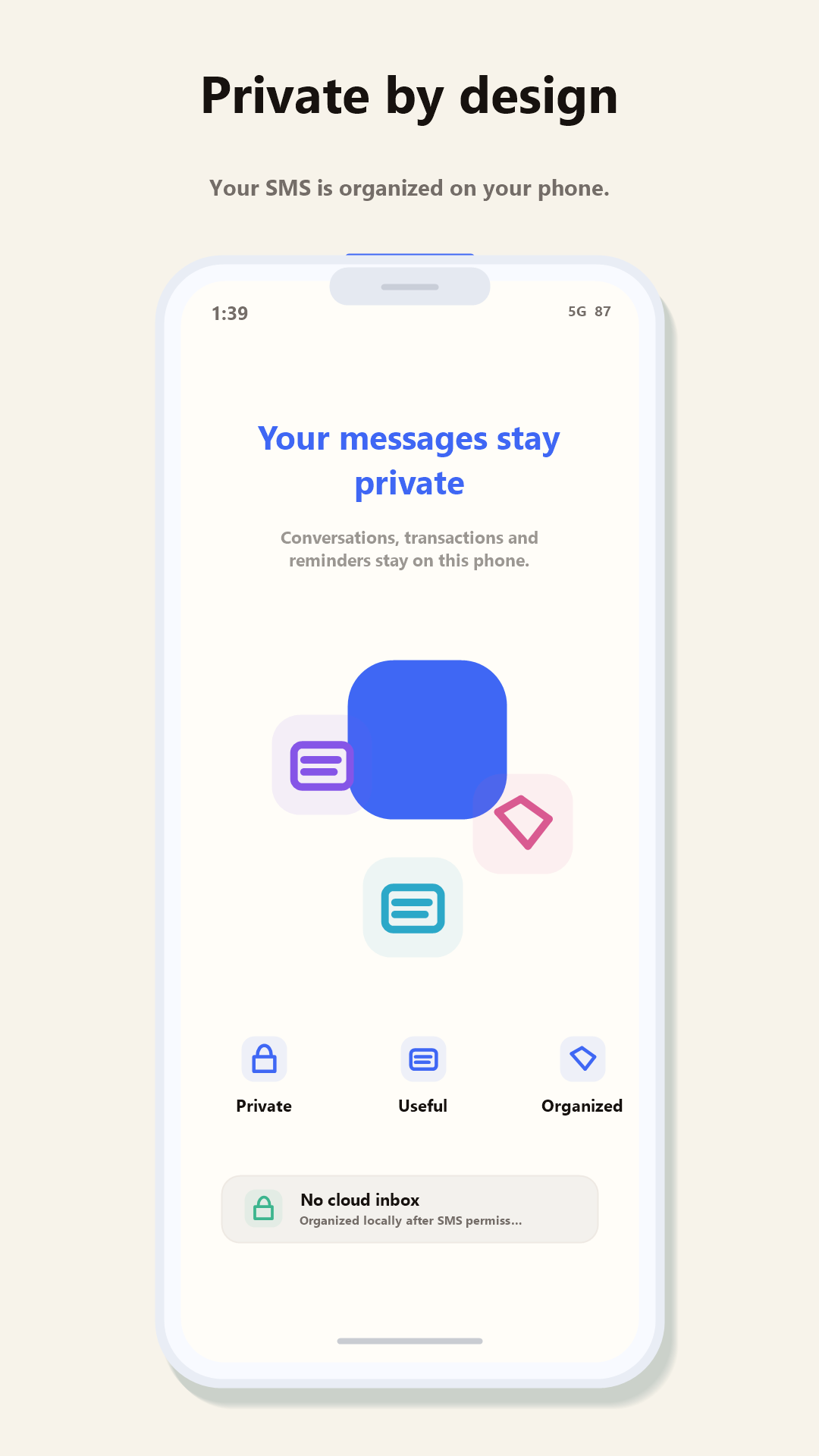
For SMS Manager, local-first means message organization and extraction of useful information are designed to happen on the phone. SMS bodies, senders and recipients, contact names, OTPs, bank names, merchants and transaction amounts are not uploaded to Redwert for advertising or profiling.
That does not mean every network connection is suspicious. An app may connect to receive software updates, validate an optional purchase, obtain non-message configuration or accept feedback that the user deliberately submits. The important distinction is whether private inbox content is routinely sent away for the feature to work.
What leaves the phone?
Look for a direct list covering message bodies, senders, contacts, OTPs, bank names, merchants and amounts.
Why is data used?
Crash diagnosis is different from advertising. A useful disclosure separates purposes instead of grouping everything together.
What is optional?
Feedback attachments and diagnostics should be described separately from the core inbox experience.
Can you leave?
Understand deletion, backup and migration behavior before trusting an app with your daily communication.
Why default SMS permissions are broad
Android gives the chosen default SMS app responsibility for core messaging tasks. Reading existing conversations allows the inbox to display and search them. Receiving access lets new messages arrive. Sending access enables replies and new conversations. Contacts access can replace unfamiliar numbers with saved names.
Those permissions are functional, but they still create responsibility. Check the Play Store Data safety section, the developer’s privacy policy and the actual in-app controls together. Any inconsistency is worth asking about before proceeding.
Five questions worth asking
- Are full message bodies uploaded? A privacy statement should answer this directly.
- Does categorization require a cloud model? If it does, understand exactly what text is transmitted.
- Are advertising identifiers used? A messaging app should explain whether inbox activity contributes to ad profiling.
- What happens when feedback is sent? Message content should not be attached silently.
- Which features genuinely need the internet? Look for a specific list rather than an absolute “offline” claim.
SMS Manager’s current boundary
SMS Manager’s built-in basic parsing works without a connection. The app can initially fetch an updated rule bundle, after which the main organization experience continues locally. Internet access is also used for ordinary product operations such as updates, optional purchase validation and feedback you explicitly choose to share.
The app does not currently offer automatic cloud backup or RCS. That may be a limitation for some users, but it also means we can describe the present product honestly. Read the full SMS Manager privacy policy, review the data-deletion information, or see how the app handles OTPs and bank alerts.
Privacy should be testable
Try the inbox. Question the details.
Our small team welcomes specific feedback about permissions, disclosures and local processing.
This guide is a product-specific explanation, not a general security audit of every Android messaging app. Always review the current Play Store disclosures and privacy policy before installing.